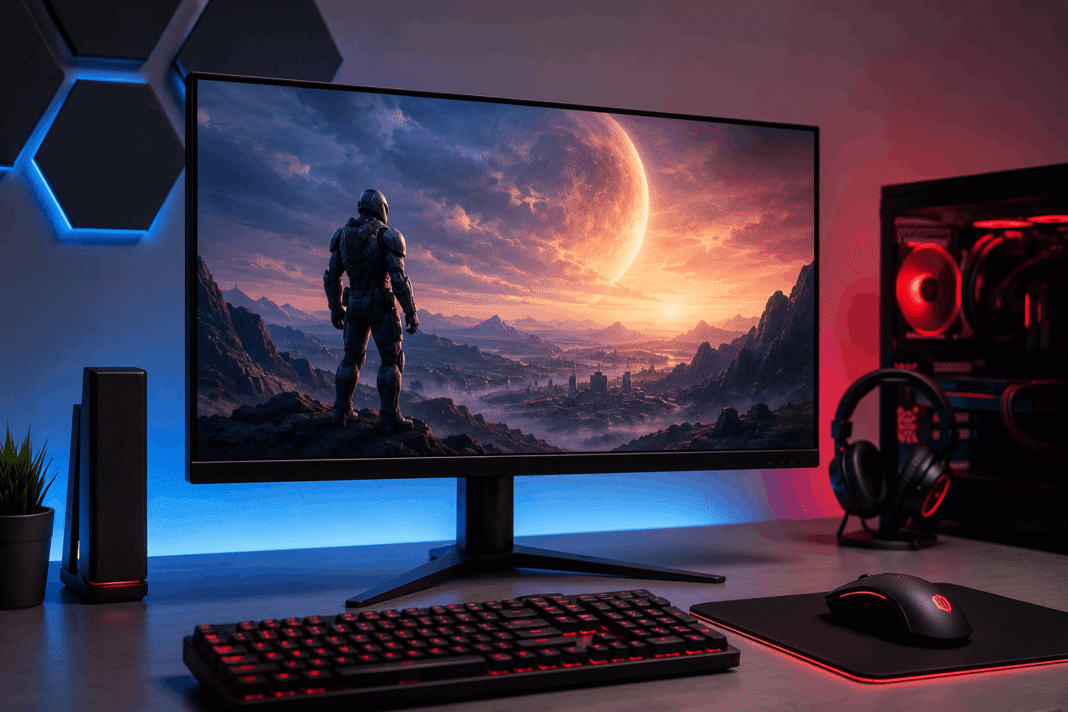
Finding the best budget gaming monitor used to mean serious compromises. Not anymore. The budget monitor market has changed fast, and shoppers in 2026 can find features that were premium-only just two years back. This guide is brought to you by the team at igamivo.com. Picks below are compiled from current pricing and specs verified against manufacturer listings and testing data from outlets including RTINGS, PCWorld, and Tom’s Hardware.
What Makes a Good Budget Gaming Monitor
Refresh rate tops the list for most gamers shopping for a budget gaming monitor. A higher refresh rate makes motion look smoother, provided your PC or console can push frames fast enough to match it. Panel type matters too. IPS-type panels tend to offer more consistent color and wider viewing angles, while VA panels usually win on contrast and black levels, which matters more for atmospheric single-player games than fast-paced shooters. Lenovo’s buying guide breaks this trade-off down in more detail.
Resolution and screen size work together rather than separately. A 24-inch 1080p screen can look sharper than a 27-inch 1080p screen because of higher pixel density, while 1440p at 27 inches has become the standard sweet spot between detail and performance demands. 4K still asks a lot of your graphics card and remains less common in true budget territory.
HDR deserves a closer look before you trust the label. Plenty of cheap monitors carry a DisplayHDR badge without real HDR performance behind it. According to The Modern Observer’s 2026 testing, the difference usually comes down to backlighting. Mini LED panels with hundreds of local dimming zones can deliver HDR you actually notice, while edge-lit panels with a basic DisplayHDR 400 certification often show little visible improvement over standard SDR.
Best Overall Budget Gaming Monitor Under $200
For gamers who want the most complete package without spending big, the Acer Nitro XV272U W2 is a strong pick. It pairs a 27-inch 1440p IPS panel with a 240Hz refresh rate, a 0.5ms response time, and DisplayHDR 400 certification, at a price that undercuts rivals with similar specs. It also comes with a fully adjustable stand, which matters more than people expect. A height-adjustable stand lets you set the screen at proper eye level, while tilt-only stands can lead to neck strain during longer sessions.
Best Budget Gaming Monitor Under $100
If your budget caps out below $100, don’t expect miracles, but you can still get a genuinely smooth experience. The MSI PRO MP243L E14 delivers 144Hz IPS performance for a price that makes it a solid choice for first-time builders or students. The trade-off is connectivity. It offers only a single HDMI port and a VGA port, with no DisplayPort, which limits how many devices you can hook up at once. It works well for a single PC or console setup, less so if you’re juggling multiple devices on one screen.
Staying under $200 with a bit more polish, the LG 24GS65F-B is worth a look too. It runs a 180Hz refresh rate with FreeSync Premium on an IPS panel, placing it among the better options in the roughly $130 to $160 range. Don’t expect real HDR at this tier, and resolution stays at 1080p.
Best HDR Value Under $300
This is where the 2026 budget gaming monitor market has genuinely changed shape. The AOC Q27G3XMN leads the pack here, combining a 27-inch 1440p VA Mini LED panel with 336 local dimming zones, 1,300 nits of peak brightness, a 180Hz refresh rate, and FreeSync Premium Pro, all in the $250 to $280 range. Two years ago, that spec sheet would have cost triple. Real HDR, real contrast, and real color used to require at least $500, and that math has shifted meaningfully.
Worth Stretching For
If your budget has a little flex past $300, a couple of options change the calculation. The Acer Nitro XV275K brings 4K resolution with Mini LED backlighting and HDMI 2.1, which unlocks full console compatibility that sub-$300 monitors typically lack. Keep an eye out for QD-OLED deals too. Alienware’s QD-OLED lineup occasionally drops below $500 during sales, which represents exceptional value for OLED-level image quality if you catch the right model and promotion.
How to Choose the Right Budget Gaming Monitor for You
Match the monitor to how you actually play. Competitive FPS players should prioritize refresh rate and response time above everything else, RPG and story-driven gamers tend to benefit more from a VA panel’s stronger contrast, and anyone splitting time between work and gaming on the same screen should look for solid ergonomic adjustment.
Before checking out, look past the marketing bullet points. Prioritize panel quality first, then backlight technology, then refresh rate, and check the dimming zone count rather than trusting the HDR label alone.
Frequently Asked Questions
Is a cheap gaming monitor actually worth buying in 2026?
Yes. The floor for gaming monitor quality has risen sharply. A $250 budget can now buy Mini LED backlighting with hundreds of dimming zones and usable HDR, features that required $600 or more just two years ago.
What refresh rate is good enough for a budget gaming monitor?
For most players, 144Hz to 180Hz offers a noticeable smoothness upgrade over 60Hz without pushing your GPU too hard. Competitive shooter fans may want to prioritize monitors reaching 240Hz if their hardware can keep up.
Should I choose 1080p or 1440p on a budget?
1080p remains the easier choice for lower-end GPUs since it demands less processing power and supports higher frame rates. 1440p offers noticeably sharper detail and has become affordable enough that it’s the better pick if your graphics card can handle it.
Is IPS or VA better for gaming?
Neither is strictly better. IPS panels generally offer more accurate color and wider viewing angles, which suits fast-paced multiplayer games. VA panels typically produce deeper blacks and higher contrast, which benefits atmospheric single-player and story-driven titles.
Does HDR matter on a budget gaming monitor?
Only if it’s implemented properly. Look for Mini LED backlighting with a meaningful number of local dimming zones rather than relying on the DisplayHDR label alone, since many budget monitors carry HDR certification without a real visual difference.
How much should I spend on a first gaming monitor?
Under $100 can still deliver a smooth 144Hz experience for a single device setup. Around $150 to $200 adds better ergonomics and higher refresh rates, while $250 to $300 introduces genuine Mini LED HDR performance.
